LIVE
Browse by Format
Move between slots, table-style games, and live-room areas without treating the casino as one long mixed list.
Move from category browsing to the right game faster
Open the casino route with a clear view of slots, table formats, and live-style rooms. Check account status and offer terms before you fund a session.

The mxpmxp Casino page is for players who want the main casino formats in one clear route. It separates reel games, table-style options, and live-room experiences so the lobby feels easier to scan on mobile.
Instead of making every user start from the same game list, the lobby helps you move by category. You can look for quick slot sessions, slower table rounds, or a more interactive live-style format depending on how you want to play.
Before you begin, check your account access, balance area, and any bonus rules connected to the games you plan to open. That keeps the casino session practical and avoids confusion after a deposit or promotion claim.
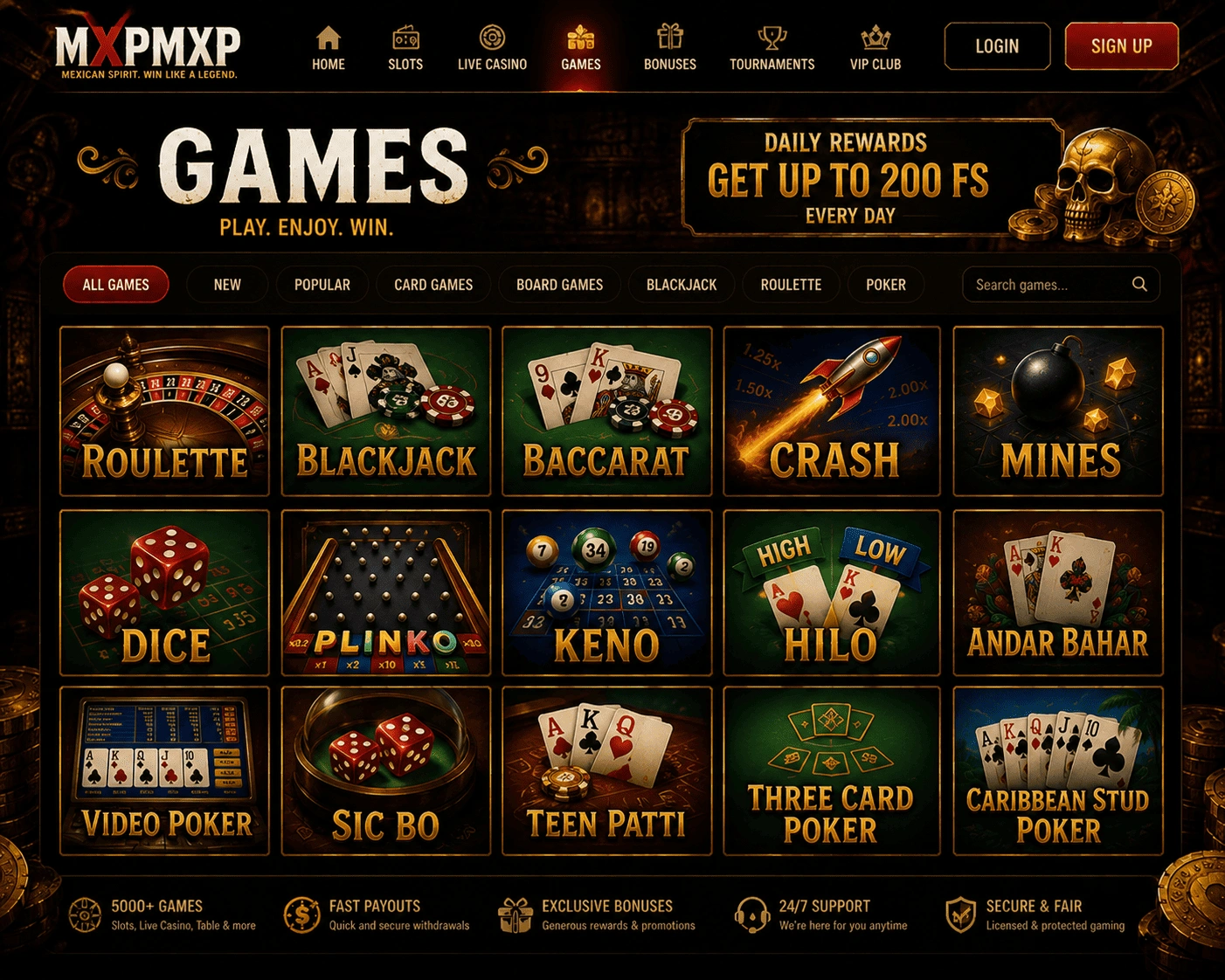
Move between slots, table-style games, and live-room areas without treating the casino as one long mixed list.
Choose quick reels when you want short play or table formats when you prefer a slower, more deliberate session.
The casino route is framed around visible categories and direct entry points, which helps smaller screens feel less crowded.
Sign-in status, balance checks, and bonus conditions should be reviewed before you open games or use a promotion.
Follow a simple casino-specific order: access the account, open the lobby, compare formats, and check terms before funding play.
Open the official mxpmxp route and enter your account area. New users should complete registration before trying to use the casino lobby.
Use the lobby to compare slots, table-style games, and live formats. Start with the category that best matches your session length and comfort level.
Before depositing or activating an offer, check payment fit, eligible games, and any bonus conditions that could affect the session.